✦ The #1 AI Keywording Tool for Stock Footage

Less work. Better keywords.
More sales.

ClipEngine AI writes buyer-focused titles, descriptions, and up to 50 search-optimized keywords for your stock footage — paired with a 34-point technical audit that catches rejection-causing issues before you submit. Your clips get found by more buyers, rank higher in search results, and sell more. Screenshots to submission-ready metadata in under a minute.

CLIPENGINE AI
COMMERCIAL
EDITORIAL
02:34
KEYWORD AUDITALL CHECKS PASSED
43/50Title 87/100Desc 174/200
INPUT
DROP SCREENSHOTS
+
NOTES
CLIP SUFFIX
stock footage4k video
✦ GENERATE
OUTPUT
TITLE · 87 / 100
DESCRIPTION · 174 / 200
KEYWORDS · 43 / 50
city timelapseaerial viewgolden hoururban skylinesummer lightstock footagecity pulsedrone footagemagic hoursunset videodowntownroyalty freeurban motiongolden light4k videotimelapsepanoramic viewcityscaperush hour
CoreSuffixManualResearchTrendingSeasonalHigh volAI sugg
INTELLIGENCE
▲ TRENDING
city timelapsegolden hoururban skylinedrone footagemagic hour
◆ SEASONAL
spring sunsetwarm eveningsummer lightdusk cityscape
● HIGH VOLUME
stock footage4k videocity aerialurban landscape
✦ AI SUGGESTIONS
rush hour trafficurban motioncity pulsepanoramic view
50
buyer-intent keywords per clip
34
point technical audit
<1min
screenshots to ready metadata
100%
zero guesswork
✦  Optimised for BlackBox Global  ·  More platforms coming soon
✦ Built by Contributors, for Contributors

Every keyword you miss
is a sale you lose.

Buyers don't browse — they search. If your keywords don't match what they type, your clip is invisible no matter how good the footage is. ClipEngine AI writes buyer-focused metadata that gets your clips found: titles optimized for click-through, descriptions that sell, and up to 50 keywords ranked by actual search volume — not guesswork, not generic tags, not what an image tagger thinks it sees. All inside a professional, high-density workspace designed for contributors who process hundreds of clips.

▲ Market Intelligence
ClipEngine AI — AI-Powered Stock Footage Metadata Generator

Market intelligence that turns keywords into revenue

▲ TRENDING
city timelapse
golden hour
urban skyline
drone footage
magic hour
downtown sunset
aerial view
time lapse
◆ SEASONAL
spring sunset
warm evening
summer light
dusk cityscape
golden light
twilight hour
● HIGH VOLUME
stock footage
4k video
city aerial
urban landscape
sky background
sunset video
royalty free
✦ AI SUGGESTIONS
rush hour traffic
urban motion
city pulse
metropolitan glow
panoramic view
cinematic dusk
✦ The Metadata Challenge

Great footage deserves
metadata that sells.

Every clip needs a title, description, up to 50 keywords, categories, and a commercial/editorial classification — all formatted to spec. At scale, that's hours of admin every week that could be spent shooting, editing, and uploading more clips. Here's where your time and revenue are going.

01

15–20 minutes per clip

Manual metadata for a single clip takes 15–20 minutes done properly. At 100 clips a month, that's 25+ hours — time you could spend shooting, editing, or uploading more revenue-generating content.

ClipEngine does it in under a minute — get those hours back
02
🎯

Wrong keywords = invisible clips

Buyers search with specific terms. If your keywords don't match what they actually type, your clip never appears in results — no matter how good the footage is. Every missed keyword is a missed sale.

AI builds 50 buyer-intent keywords sorted by real search volume
03
🚫

Rejections cost more than time

Letterboxing, watermarks, excessive noise, poor stabilisation — technical issues that fail review. Each rejection costs you time resubmitting and can damage your contributor account standing.

34-point audit catches every issue before you submit
04
📋

One wrong field = rejected submission

Character limits, category taxonomies, keyword counts — each platform has rigid rules. One miscounted field means a rejected submission. Multiply that across hundreds of clips and multiple platforms.

Every field pre-formatted to exact platform specifications
05
📈

Seasonal demand waits for no one

Christmas content peaks in October. Summer travel peaks in April. Trending topics move in days. The right keywords at the right time can 10x a clip's sales — miss the window and you leave real money behind.

Live trending and seasonal intelligence shows what buyers want now
06
⚖️

Misclassification flags your account

A clip with visible logos or recognisable faces must be editorial. Getting it wrong isn't one rejection — recurring misclassifications flag your entire contributor account for review.

Auto-detects commercial vs. editorial on every generation
✦ VIDEO-FIRST DESIGN

No video upload.
No waiting.

Other tools expect the full video file. ClipEngine AI works entirely from screenshots — 1 to 4 still frames. No encoding, no bandwidth throttling, no 10-minute uploads. Your footage stays on your machine.

Drop 1–4 screenshots from any frame of your clip
Multi-frame analysis understands motion, sequence, and setting
Your footage never leaves your machine — only screenshots are processed
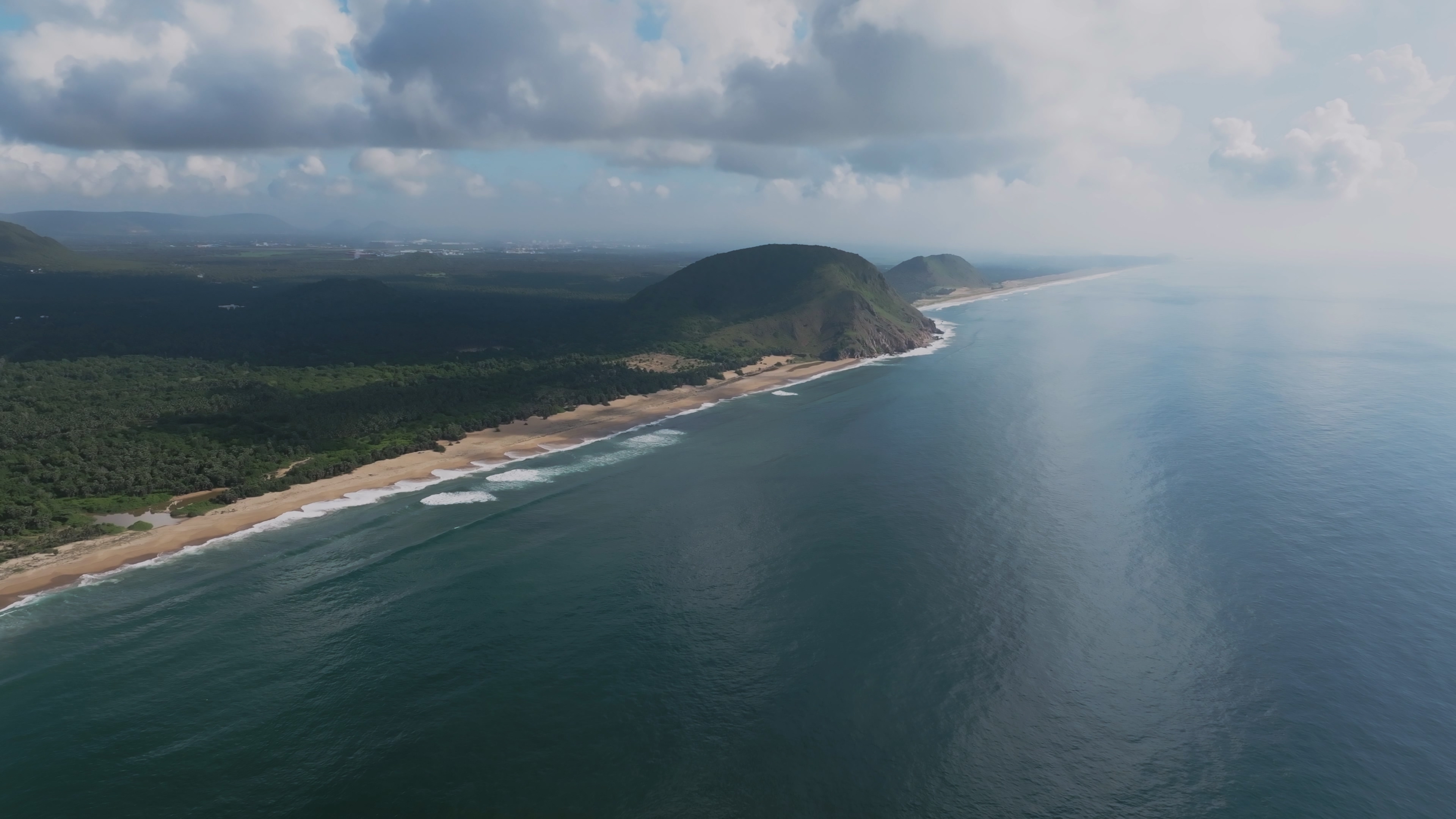
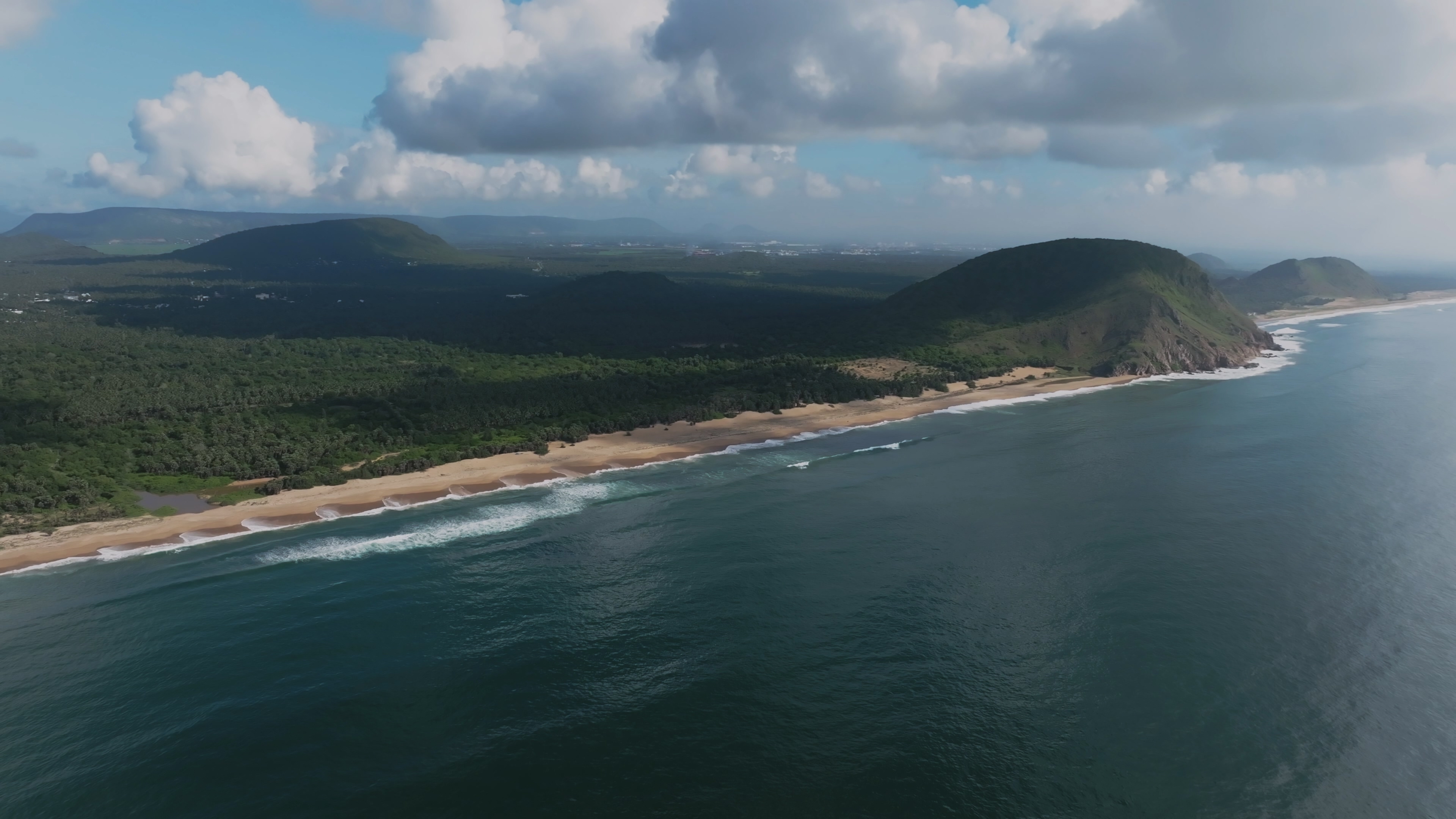
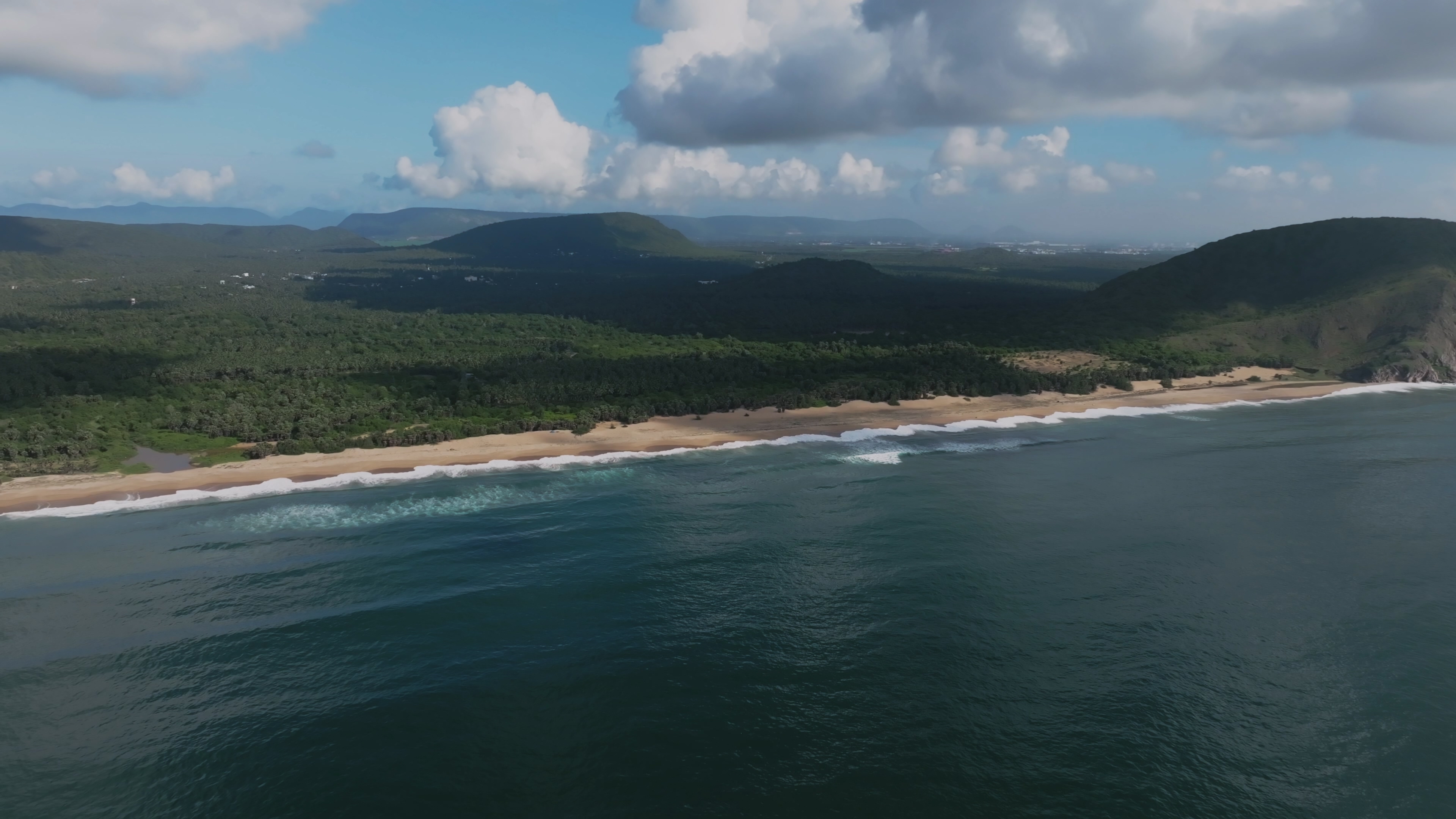
UPLOAD ZONE3 FRAMES LOADED
DROP SCREENSHOTS HERE
1 – 4 FRAMES · 16:9 ASPECT RATIO
+
✦ BUYER-FOCUSED OUTPUT

Metadata that outperforms
what you'd write yourself.

ClipEngine AI doesn't just tag what it sees — it writes the titles buyers click, the descriptions that convert, and the keywords that match real search behaviour. Every field is calibrated to the exact specifications of professional stock footage marketplaces.

Titles written for click-through, fitted to platform character limits
Descriptions that sell — concise, accurate, optimized for search
40–50 buyer-intent keywords sorted by real search volume
Commercial vs. editorial auto-detected, caption pre-filled for editorial
Optimised for BlackBox Global · more platforms coming
OUTPUT — BLACKBOX FORMATREADY TO PASTE
TITLE · 87 / 100
DESCRIPTION · 174 / 200
PRIMARY CATEGORY
SECONDARY CATEGORY
● COMMERCIAL
○ EDITORIAL
✦ KEYWORD AUDIT

Every keyword checked.
Before you submit.

The Keyword Audit strip runs automatically on every generation, giving you a live quality check across your entire keyword set. Count, frequency, duplicates, character limits — all verified in one persistent panel above your output.

Live keyword count — green when 40–50, amber below minimum, red over limit
Word frequency enforcement — flags any root word used more than 3 times
Duplicate detection — highlights repeated chips instantly as you add
Title and description character counts tracked live alongside keywords
Expandable details — full frequency table and concept review on demand
KEYWORD AUDITALL CHECKS PASSED
43 / 50
Title 87 / 100
Desc 174 / 200
Suffix 4 slots
WORD FREQUENCY
city
×3
urban
×2
aerial
×1
sunset
×4 ⚠
TECHNICAL AUDIT · 34 CHECKS
32 / 34 PASSED
BLOCKERS — 0 / 5 FAILED
Letterboxing / pillarboxing
Visible watermarks or overlaid text
Window boxing
QUALITY — 2 / 11 FLAGGED
Focus / sharpness
Stabilisation — minor camera shake detected
Exposure level
Noise / grain — slightly elevated in shadows
Colour balance
✦ TECHNICAL AUDIT

34 checks.
Zero surprises.

Every generation includes a full visual quality inspection — automatically, in the same API call. The audit catches the issues that cause rejections before you ever hit submit.

5 hard blockers — letterboxing, watermarks, windowboxing
11 quality checks — focus, exposure, noise, stabilisation
17 minor checks — colour, composition, grain, motion blur
1 AI content flag — detects AI-generated imagery
✦ KEYWORD INTELLIGENCE

Keywords that buyers are
actually searching for.

ClipEngine AI doesn't guess at keywords. Every generation is paired with four live intelligence streams — trending searches, seasonal demand, high-volume terms, and AI suggestions specific to your clip. The right keywords don't just describe your footage — they put it in front of buyers who are ready to license. Add any keyword to your metadata with a single click.

Trending keywords — what buyers are actively searching this week
Seasonal demand — what's peaking right now in your clip's category
High-volume terms — the search phrases with the most buyer traffic
AI suggestions — curated additions specific to your clip's subject
KEYWORDS · 43 / 50AUDIT PASSED
city timelapseurban skylinegolden houraerial dronesummer lightstock footage4k videourban motionmagic hourdowntownroyalty freecity pulsesunset videogolden lighttimelapse video
AI coreTrendingSeasonalHigh volumeAI suggestions
✦ Professional-Grade Workspace

A high-density interface
built for power users.

ClipEngine AI isn't a form with a submit button. It's a three-column workspace designed for contributors who process clips all day — input, output, and intelligence side by side. Real-time streaming, colour-coded keyword sources, one-click additions, live audit feedback, and a recovery tray so you never lose a keyword.

ALL CHECKS PASSED
43/50
Title 87/100Desc 174/20034/34 audit
TITLE · 87 / 100
DESCRIPTION · 174 / 200
KEYWORDS · 43 / 50WITHIN BUDGET
CATEGORIES
CLASSIFICATION
COMMERCIAL
● AUTO
PROCESS LOG11 / 11 ✓
Filename parsed
Screenshots — 3 frames
Sequence analysis
Subject identified
Metadata complete
Title generated
Description generated
Keywords — 43 terms
Audit passed
Suffix — 4 slots
✦ Metadata ready
INTELLIGENCE
▲ TRENDING
◆ SEASONAL
● HIGH VOL
✦ AI SUGG
CoreSuffixManualResearchTrendingSeasonalHigh volAI sugg
→ Simple by Design

From screenshot to
ready metadata in under a minute.

Three steps. No configuration. No learning curve. ClipEngine AI is designed to disappear into your workflow — spend your time on the footage, not the metadata.

01 —

Upload your screenshots

Drop 1–4 still frames from your clip. No full video file. No waiting. Add a short note about the content if you want — or leave it blank.

02 —

Hit Generate

ClipEngine AI analyses your footage — subject, setting, lighting, motion — and builds a complete, buyer-optimized metadata package in under a minute. The 34-point audit runs in the same call.

03 —

Submit with confidence

Review your output, add trending keywords from the Intelligence panel with one click, then copy each field directly into your platform. Every format, every limit, every category — already optimized for discoverability.

★ Creator Stories

What contributors are saying.

★★★★★

"I went from 20 minutes per clip to under a minute — but the real difference is the keywords. My clips are getting found more. Downloads are up because the metadata actually matches what buyers search for."

Marcus T.
Marcus T.
Stock videographer · 800+ clips accepted
★★★★★

"The intelligence panel changed everything. I'm adding trending and seasonal keywords I never would have thought of — and I can see it in my sales. Clips that sat for months are finally moving."

Elena Vasquez
Elena Vasquez
Travel & nature videographer
★★★★★

"The technical audit caught letterboxing on three clips before I submitted. That's three rejections avoided and my account standing protected. The titles and descriptions are better than what I was writing too."

David Chen
David Chen
Commercial DP · Studio & location
◆ Pricing

Simple, honest pricing.

No surprise charges. No contracts. Cancel anytime.

FREE TRIAL
$0
50 GENERATIONS INCLUDED

  • Full workspace access
  • Up to 50 keywords per clip
  • 34-point technical audit
  • Platform-ready formatting
  • Market intelligence panel
  • No credit card required
Start Free →
STUDIO
$49/mo
500 GENERATIONS / MONTH

  • Everything in Pro
  • 500 clips per month
  • Chrome extension access
  • Advanced keyword settings
  • Keyword blacklist
  • Priority support
Get Studio →

ALL PLANS · FULL WORKSPACE ACCESS · NO CONTRACTS · CANCEL ANYTIME

? Common Questions

Common questions.

Everything you need to know before getting started.

Do I need to upload the full video file?

No. ClipEngine AI works entirely from screenshots. Upload 1–4 still frames — no video file, no large uploads, no waiting. Your footage stays private on your machine.

Will ClipEngine keywords actually perform better than my own?

Yes. ClipEngine AI writes buyer-intent keywords based on what buyers actually search for — not just what the AI sees in the image. Keywords are sorted by search volume, checked for frequency limits, and paired with live trending and seasonal data. The result is metadata that gets your clips found by more buyers.

What counts as one generation?

Each time you press Generate counts as one generation. Reviewing output, editing keywords, or copying fields does not count — only the Generate action itself.

What is the 34-point technical audit?

A full visual quality inspection of your screenshots — automatic, in the same call, no extra cost. 5 blockers, 11 quality checks, 17 minor checks, 1 AI content flag. It catches the issues that cause rejections before you submit.

Is my footage stored anywhere?

Screenshots are stored in a private, secure bucket tied to your account only. Never shared, never used for training, never visible to other users.

Which platforms does ClipEngine AI support?

ClipEngine AI is currently optimised for BlackBox Global, with full support for its field formats, character limits, and category taxonomy. Support for Shutterstock, Adobe Stock, Pond5, and other stock footage marketplaces is on the roadmap.

Can YouTubers or social media creators use this?

ClipEngine AI is purpose-built for stock footage contributors, but the buyer-intent keywording approach works for anyone who needs optimized video metadata — including YouTube creators looking for better search visibility and social media producers who want their content discovered.

Can I cancel at any time?

Yes. No contracts, no lock-in. Cancel from your account settings anytime. Your plan stays active until the end of the current billing period.

◎ What's Coming

The roadmap.

ClipEngine AI is actively growing. Here's what's already in development.

● IN DEVELOPMENT
🌐
Multi-Platform Export

Generate metadata once and export it formatted for multiple stock marketplaces simultaneously — each with the correct field specs, character limits, and category taxonomy.

● IN DEVELOPMENT
🧩
Chrome Extension

Generate metadata directly inside the BlackBox portal — no tab switching. Auto-fill title, description, keywords, categories, and classification with a single click.

◐ COMING SOON
📊
Keyword Performance Analytics

Connect your contributor dashboard and see which of your keywords actually drive downloads. Close the loop between generation and revenue — learn what works and improve over time.

◐ COMING SOON
🎬
Direct Video Analysis

Analyse your video clips locally on your machine — no uploading required. Frame extraction, motion analysis, pacing, and cinematic characteristics detected client-side for faster, more accurate keyword generation.

○ PLANNED
Workflow Presets

Save complete metadata templates per content type — wildlife, corporate, aerial, lifestyle, sport. One click applies your preferred keyword rules, tone, and suffix settings to any clip.

○ PLANNED
🏷️
Platform Category Presets

One-click category presets for BlackBox, Shutterstock, Adobe Stock, Pond5, and more. Switch between agency taxonomies instantly or define your own custom category lists — no manual retyping between platforms.

— GET STARTED TODAY —

Your footage deserves
metadata that sells.

Less work. Better keywords. More sales. 50 free generations — no credit card required.